How to Fix Arris Surfboard SB8200 Flashing Green Power Light
Quick Diagnosis
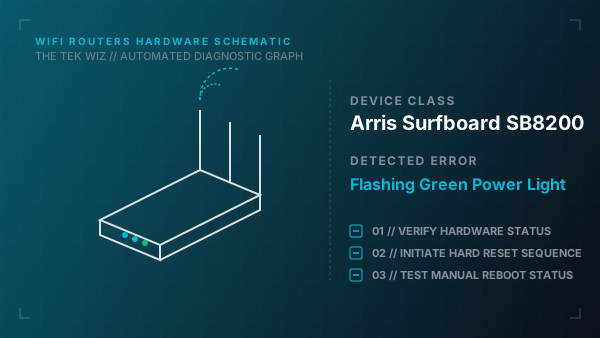
A flashing green power LED on the Arris Surfboard SB8200 cable modem indicates that the device's internal firmware boot sequence is running or has locked up, or that the power supply is failing to deliver consistent voltage.
Step-by-Step Resolution
- 1
Unplug the power adapter of the Arris SB8200 from the wall outlet or power strip.
- 2
Disconnect the power cord connector from the round DC socket on the back of the modem.
- 3
Unscrew the physical coaxial cable line from the back of the modem to isolate the unit's electrical circuit.
- 4
Wait a full 60 seconds to allow the internal electrical components to discharge completely.
- 5
Inspect the power adapter block for physical damage or signs of overheating.
- 6
Reattach the coaxial cable firmly, ensuring the copper center pin is straight and not bent.
- 7
Plug the power cable back into the modem and directly into a verified wall outlet (bypassing surge protectors to rule out power drops).
- 8
If the light continue to flash green indefinitely, the power adapter may have lost voltage regulation; test with a matching replacement power supply.
Alternative Causes & Edge Cases
- On the Arris SB6190, a flashing green power light is often associated with physical hardware lockups caused by line-voltage fluctuations on coaxial inputs.
- On the Arris S33, if the single status LED flashes green rapidly, it indicates the modem is negotiating a physical link with a 2.5 Gbps Ethernet port on a connected router.