How to Fix Eero Eero Solid Red Light
Quick Diagnosis
A solid red light on an Eero device indicates that the unit has lost its connection to the internet, or the secondary Eero leaf node cannot detect a physical connection to the primary gateway Eero router.
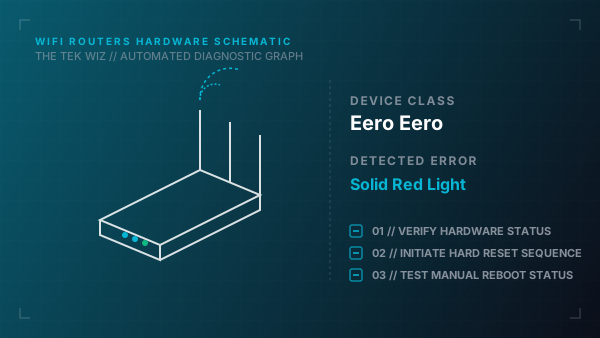
Step-by-Step Resolution
- 1
Verify the Ethernet cable is plugged securely into one of the ports on the back of the Eero gateway and the modem's LAN port.
- 2
Power cycle the modem by unplugging its power adapter for 30 seconds, then reconnecting it.
- 3
Unplug the Eero gateway's USB-C power cord, wait 15 seconds, and plug it back in.
- 4
If the red light appears on an Eero leaf node, move it physically closer to the gateway Eero to bypass heavy walls or metallic interference.
- 5
Verify the outlet powering the Eero is active by plugging in another appliance.
- 6
Locate the reset button on the back or bottom of the Eero, press and hold it for 7 seconds until the LED flashes yellow, then release it to perform a soft reset.
- 7
If the red light persists, press and hold the reset button for 15 seconds until the LED flashes red to perform a full factory hardware reset.
Alternative Causes & Edge Cases
- On Eero Pro 6 and Eero 6+, a solid red light can be caused by physical port damage on the unit's USB-C power input if a third-party non-compliant USB-C cable is forced into the port.
- On Eero Max 7, the LED may flash red if the device shuts down to protect its internal circuitry from overheating due to high ambient temperatures.