How to Fix Linksys Max-Stream EA7500 Blinking Power Light
Quick Diagnosis
A persistently blinking power light indicates a firmware boot loop, corrupted partition state, or insufficient voltage delivery from a failing power supply. This prevents the router from completing its POST (Power On Self Test) sequence.
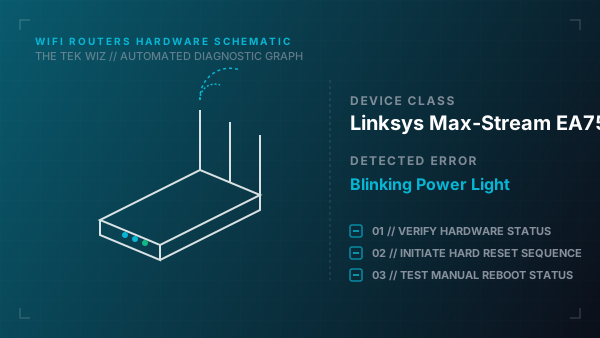
Step-by-Step Resolution
- 1
Disconnect the power cable from the back of the Linksys EA7500 router and unplug the power brick from the wall socket.
- 2
Verify that the power adapter is the original factory-provided 12V adapter, as lower voltage power supplies will trigger a constant flashing boot loop.
- 3
Plug the power adapter directly into a known-working wall outlet instead of a power strip or surge protector.
- 4
Toggle the physical rocker power switch on the back of the router to the ON position and check if the power LED stabilizes.
- 5
Press and hold the red Reset button on the back panel for 15 seconds while the router is powered to perform a hardware factory reset.
- 6
Force a partition swap by turning the router ON for 10 seconds until the light blinks, turning it OFF immediately, and repeating this power cycle three times.
Alternative Causes & Edge Cases
- On Linksys EA8300 models, a flashing power LED can represent a thermal shutdown state, requiring the unit to be cleared of dust and positioned vertically on its stand.
- On Linksys WRT3200ACM models, a flashing power light indicates a corrupted primary partition boot sector, which requires initiating a hardware partition toggle by interrupting the power cycle during bootup.