How to Fix Linksys Velop Solid Red Light
Quick Diagnosis
A solid red status light on a Linksys Velop node indicates that the node has lost its internet connection or is completely disconnected from the primary parent router node.
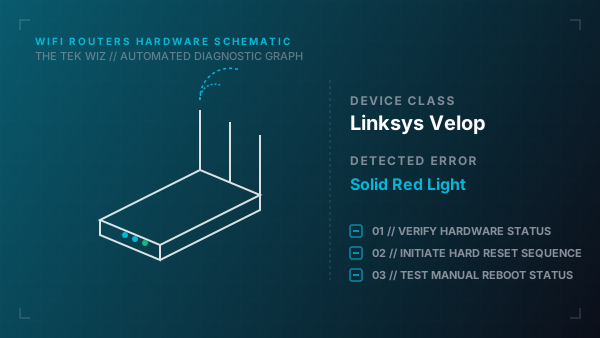
Step-by-Step Resolution
- 1
Check the physical Ethernet connections between your modem and the primary Velop node's WAN port.
- 2
Power cycle the primary node by disconnecting the power adapter, waiting 15 seconds, and reconnecting it.
- 3
If the red light is on a secondary node, check its physical proximity to the parent node. Move it closer to bypass thick walls.
- 4
Ensure there are no large metal objects or heavy electronic appliances directly between the nodes causing physical interference.
- 5
Unplug the secondary node's power adapter, wait 10 seconds, plug it back in, and watch the LED transition to solid blue.
- 6
Perform a hardware reset by pressing and holding the Reset button on the bottom of the node for 10 seconds until the light flashes red and turns solid red again.
Alternative Causes & Edge Cases
- On the Linksys Velop MX5300 (WiFi 6), a pulsing red light indicates a physical failure in negotiating DHCP with the upstream modem, requiring a full power cycle sequence of both devices.
- On the Linksys Velop Atlas Pro 6, the node LED may switch to solid red if it overheats due to blocked physical air vents on the top of the unit.