How to Fix Motorola MG7700 Flashing Blue Upstream LED
Quick Diagnosis
A flashing blue upstream arrow LED on the Motorola MG7700 gateway indicates that the modem is searching for a physical upstream connection channel and cannot establish a bonded DOCSIS 3.1 or DOCSIS 3.0 lock. This is typically due to loose physical connections or excessive coaxial line noise/attenuation.
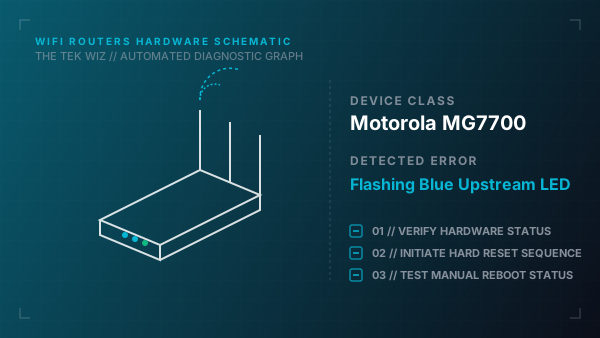
Step-by-Step Resolution
- 1
Unscrew the coaxial cable from the back of the Motorola gateway and verify that the copper center conductor is straight and undamaged.
- 2
Follow the coaxial cable to the wall outlet and tighten it securely by hand.
- 3
Locate and inspect any physical coaxial splitters on the line; bypass splitters by connecting the modem directly to the main incoming wall jack to rule out signal loss.
- 4
Verify that the power adapter is plugged directly into a stable wall outlet rather than a daisy-chained extension lead.
- 5
Unplug the power plug from the back of the gateway, wait 30 seconds, and plug it back in to reboot.
- 6
If the upstream arrow light flashes blue for more than 10 minutes, perform a hardware reset by inserting a pin into the Reset hole on the back panel for 10 seconds.
Alternative Causes & Edge Cases
- On the Motorola MB8611, if the downstream arrow flashes blue while the upstream arrow remains dark, it signifies a downstream physical connection lock failure, usually caused by a damaged outdoor cable drop.
- On the Motorola MG8702, a blinking blue upstream LED can occur if the local cable provider is performing node maintenance, resulting in low physical signal levels.