How to Fix Netgear Nighthawk Router Orange Internet Light
Quick Diagnosis
An orange Internet light (or amber WAN LED) indicates that the Netgear router detects a physical cable connection to the modem, but cannot establish an IP handshake. This is commonly caused by an out-of-sync modem port or a degraded Ethernet cable.
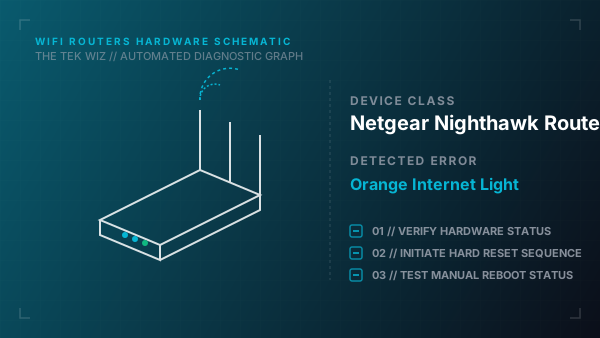
Step-by-Step Resolution
- 1
Unplug the power cables from both the modem and the Netgear Nighthawk router.
- 2
Disconnect the Ethernet cable linking the modem to the router's yellow Internet/WAN port.
- 3
Inspect the physical Ethernet connectors for bent gold contacts, and replace the cable with a verified Cat5e or Cat6 line.
- 4
Power on the modem first, and wait exactly 2 full minutes for its WAN synchronization lights to turn solid.
- 5
Plug in the Netgear Nighthawk router, wait 2 minutes, and confirm if the WAN LED switches from orange to solid white/blue.
Alternative Causes & Edge Cases
- Applies to Netgear Orbi mesh systems that share the amber WAN light fault sequence.
- A faulty WAN port on the modem itself may require using an alternate LAN port on the modem.