How to Fix Netgear Nighthawk R7000 Orange Internet Light
Quick Diagnosis
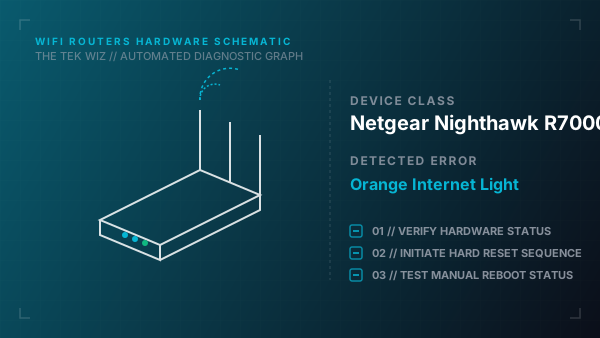
A solid orange Internet LED indicates that the router detects a physical connection to the modem but cannot obtain an IP address from the ISP. This is usually caused by an IP lease negotiation failure between the modem and router, or a faulty WAN Ethernet cable.
Step-by-Step Resolution
- 1
Unplug the power cables from both the internet modem and the Nighthawk R7000 router.
- 2
Disconnect the Ethernet cable linking the modem to the yellow WAN port on the back of the router.
- 3
Wait 60 seconds to allow the internal capacitors on both devices to fully discharge.
- 4
Plug the power cable back into the modem first and wait 2 minutes for its status lights to stabilize.
- 5
Reinsert the WAN Ethernet cable firmly into the yellow port of the router until it clicks, then plug in the router's power cable.
- 6
Swap the Ethernet cable with a known-working Cat5e or Cat6 cable if the light remains orange to rule out internal wire fractures.
Alternative Causes & Edge Cases
- On the Netgear Nighthawk R8000, an amber Internet light can also be triggered by a physical port negotiation conflict with fiber ONT devices, requiring a power-on delay of up to 5 minutes.
- On the Netgear Nighthawk RAX40, this light can flash orange if the physical Wi-Fi On/Off button on the top panel has been pressed and held, disabling wireless radios.